Questions About Jumuika Hub KE?
Find answers about API setup, free trials, M-Pesa integration, and how our WhatsApp automation works for your business.
Frequently asked questions
WhatsApp Business API requirements
To connect Jumuika Hub KE, you will need: A verified Meta Business Manager account, Access to WhatsApp Business Platform (Cloud API or approved provider), and A phone number not previously or currently registered on personal WhatsApp, The setup process is guided inside your dashboard to help you complete each requirement. Approval and verification timelines are determined by Meta.
14-day free trial No credit card needed
Your trial includes access to core automation features so you can evaluate how the platform fits your operations. You may upgrade to a paid plan at any time during or after your trial. If no plan is selected, your account will be paused at the end of the 14-day period.
M-Pesa integration works automatically
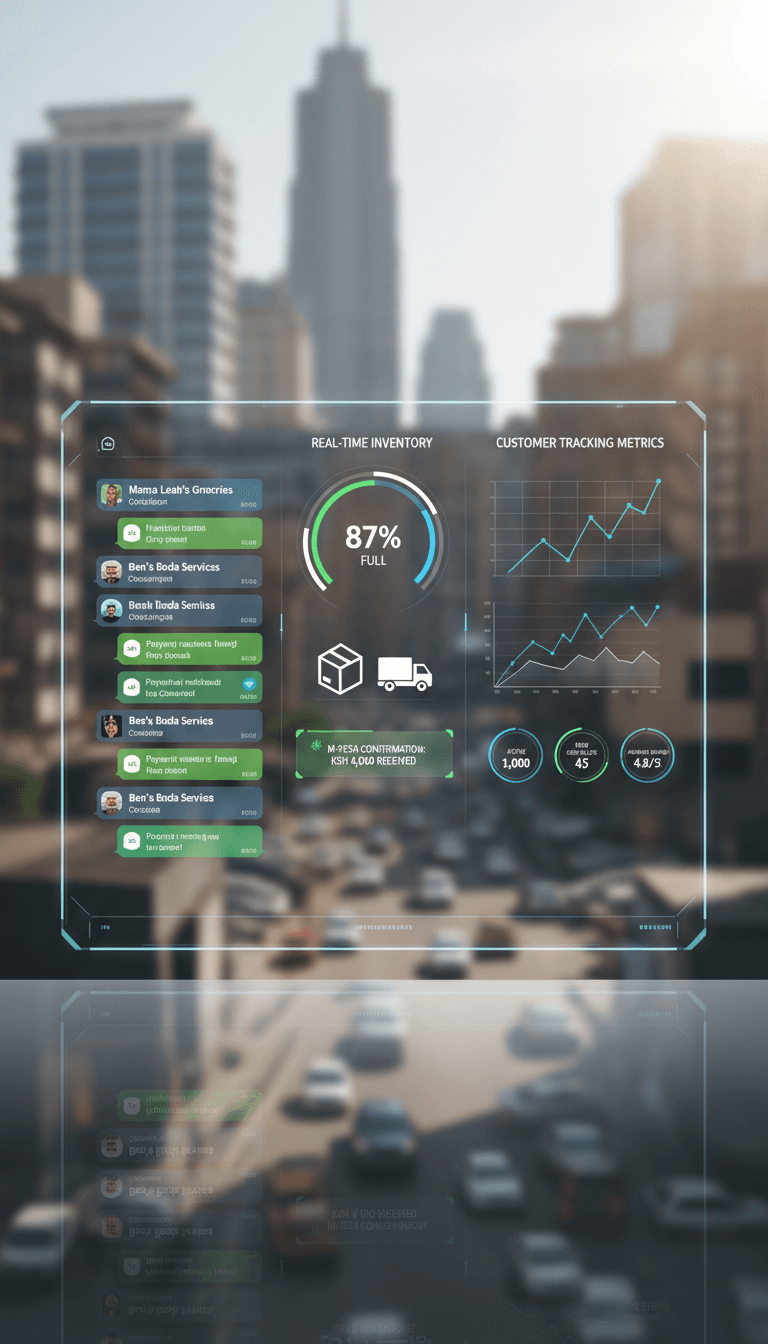
Jumuika Hub KE supports structured M-Pesa payment tracking linked to WhatsApp orders. When properly configured: Customers receive an M-Pesa STK push payment prompt upon placing an order via WhatsApp. Transactions can be matched to orders. Payment status is reflected in your dashboard. Inventory can adjust based on confirmed payments. Businesses remain responsible for ensuring payment accuracy within their official M-Pesa account.
Start your 14-day free trial today
No credit card required. Connect your WhatsApp Business API and automate your WhatsApp sales workflow.