
Activate Your 14-Day Free Trial
No payment details are required to begin your trial. You will have access to the full platform environment during the trial period so you can configure your workflows, catalog, and integrations. Your operational readiness will depend on the completion of all configuration steps, including connecting an approved WhatsApp Business API account and completing any required external integrations. You may upgrade, downgrade, or cancel your subscription plan at any time from your dashboard.
Five steps to automate your sales
Setting up Jumuika Hub KE involves several structured steps designed to ensure secure integration with your business systems and the official WhatsApp Business platform. The time required may vary depending on your existing configuration and third-party approvals.

Create Your Account
Register using your valid business email and create secure login credentials. Once registered, you will gain access to the Jumuika Hub KE dashboard where you can begin configuring your automation environment.
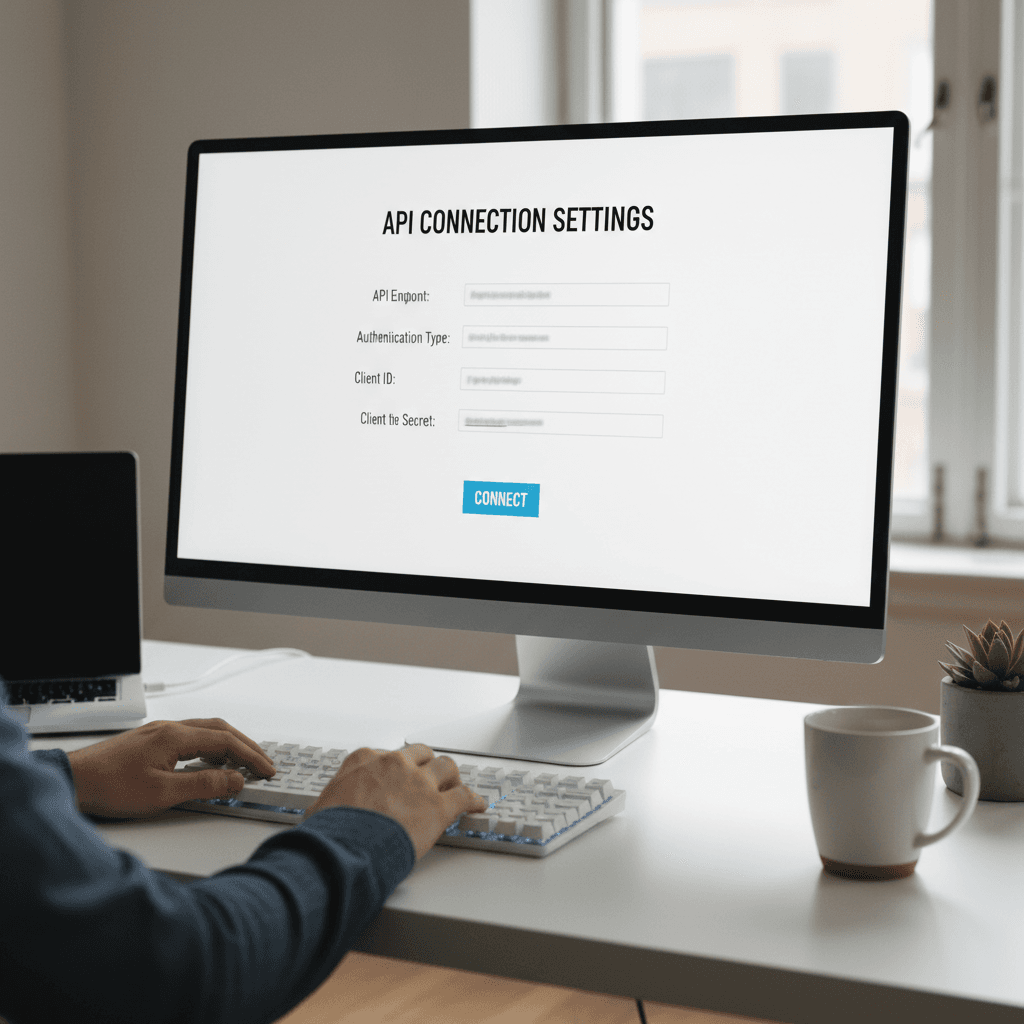
Connect Official WhatsApp API
Link your approved WhatsApp Business API credentials to Jumuika Hub KE. This connection enables the platform to process structured customer interactions and automate specific workflow actions within your WhatsApp business channel. If your WhatsApp Business API configuration is still pending approval or setup, you may complete other onboarding steps while awaiting activation.

Upload Your Product Catalog
Import products via CSV or add manually in the dashboard. Your catalog information is used to structure automated responses, order confirmations, and customer inquiries.

Configure Automation Rules
Define how the system should respond to customer inquiries and process transactions. You can configure rules for product inquiries, order confirmation flows, M-Pesa payment triggers, inventory adjustments, and order status updates. These configurations allow the platform to respond consistently to common customer interactions.

Activate and Go Live
Once your integrations and workflow rules are fully configured, you may activate your automation environment. When active, the system will begin assisting with structured customer conversations, order handling, and payment workflow coordination through your connected WhatsApp business channel.
Responsible Messaging
Businesses must ensure that customer conversations are initiated by the user or comply with WhatsApp’s approved message template policies. Jumuika Hub KE does not send unsolicited messages and operates within the communication guidelines of the WhatsApp Business Platform.
Structured Onboarding Resources & Expert Guidance
Jumuika Hub KE provides structured documentation and onboarding resources designed to guide businesses through the configuration process. These resources include: • Step-by-step configuration documentation • Integration guidelines for WhatsApp Business API and M-Pesa workflows • Operational best practices for automated customer interactions • Platform usage tutorials within the dashboard Businesses retain full control over how their workflows are configured and deployed.
Need Help Setting Up?
Jumuika Hub KE is designed with a guided onboarding experience that walks you step-by-step through: Connecting your Meta Business account, verifying your phone number, configuring messaging settings, uploading inventory , and activating automation. At this time, we do not offer done-for-you setup or live training services. However, the platform is structured to be simple and self-guided so businesses/ users can complete setup independently. If you encounter technical issues, you may contact us for assistance.
Reliable, Secure & Efficient
Jumuika Hub KE is designed to support structured business interactions within WhatsApp while maintaining secure integrations with external systems. Key platform foundations include: • Built on the Official WhatsApp Business API infrastructure • Designed to support secure M-Pesa payment workflow integration • Structured product catalog and order processing framework • Built with consideration for Kenyan data protection regulations The platform is designed to help businesses organize and manage WhatsApp-based customer interactions more efficiently.
Improve Visibility and Organization of Customer Orders
Many small businesses rely on WhatsApp to communicate with customers, but manual message handling can make it difficult to manage orders consistently. Jumuika Hub KE helps structure customer conversations, track orders, and coordinate payment confirmations within a centralized operational environment. By improving visibility and consistency in how orders are handled, businesses can reduce missed inquiries and better manage day-to-day operations.
Activate Your Free Trial Now
No credit card required. Connect your approved WhatsApp Business API account and start configuring your sales workflows.
Common questions about getting started